Who reads the daily report
Three people rely on the daily report and they want different things. The coordinator wants to know whether the schedule still holds. The safety lead wants to know whether anything happened that needs follow-up. The person who invoices wants a defensible record of hours and completed scope.
If the report is written for only one of them, the other two end up phoning the crew lead a week later, and the crew lead does not remember.
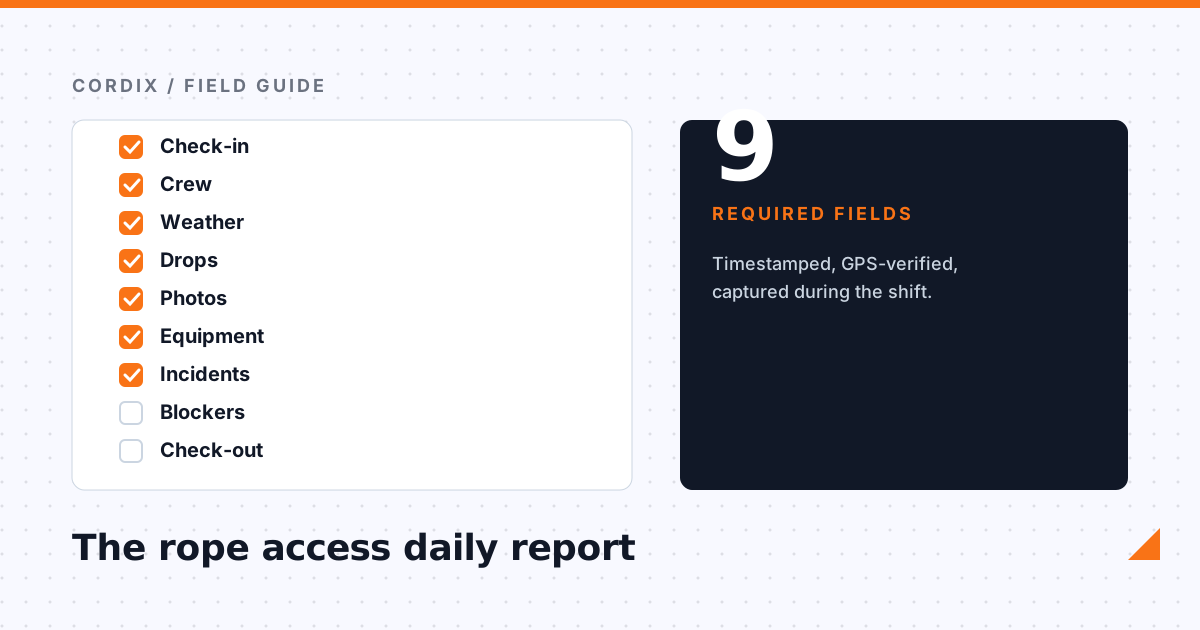
The nine fields
1. Site and date, with the technician's check-in time and location.
2. Crew on site, including who acted as the supervising technician.
3. Weather at start of shift and at any point work was paused, with wind speed.
4. Faces and drops worked, with the count completed per face.
5. Photos per drop, taken from the rope, not from the sidewalk at the end of the day.
6. Equipment used and anything tagged out or requested.
7. Incidents and near misses, even the ones that felt minor.
8. Blockers such as access denied, anchor issues, or client requests.
9. Check-out time and a one-line plan for tomorrow.
Capture it during the shift, not after
The single biggest quality problem with daily reports is that they are written at 5 pm from memory. Wind readings become guesses, drop counts get rounded, and the near miss from 10 am is forgotten.
The fix is to let technicians submit pieces of the report as they happen from their phone. A check-in when they arrive, a photo at the bottom of each drop, an incident entry the moment it occurs. The daily report then assembles itself and the 5 pm task is a two-minute review rather than a reconstruction.
Make it verifiable
Every entry should carry a timestamp and a GPS position captured by the device, not typed by the person. This is not about distrust. It is what makes the report usable in a dispute, an insurance claim, or a regulator visit. A photo with no time and no location is a picture; a photo with both is evidence.
Separate the internal report from the client report
The internal report contains everything above, including the near miss and the equipment tag-out. The client report is a curated snapshot: progress per face, selected photos, weather delays, and a short note. Generate the client version from the internal one so the numbers always agree, but never send the raw internal log to a property manager.
Daily reports that build themselves
Cordix collects check-ins, drops, photos, weather, and incidents from the technician app and assembles the daily report for review and client delivery.
Request a demo